Install and first launch
Installing
tripbloq is getting ready for release on Google Play. Once it's out, this site and the Updates page will say so.
It runs on Android 10 or later. There's no iPhone app yet.
Three welcome cards
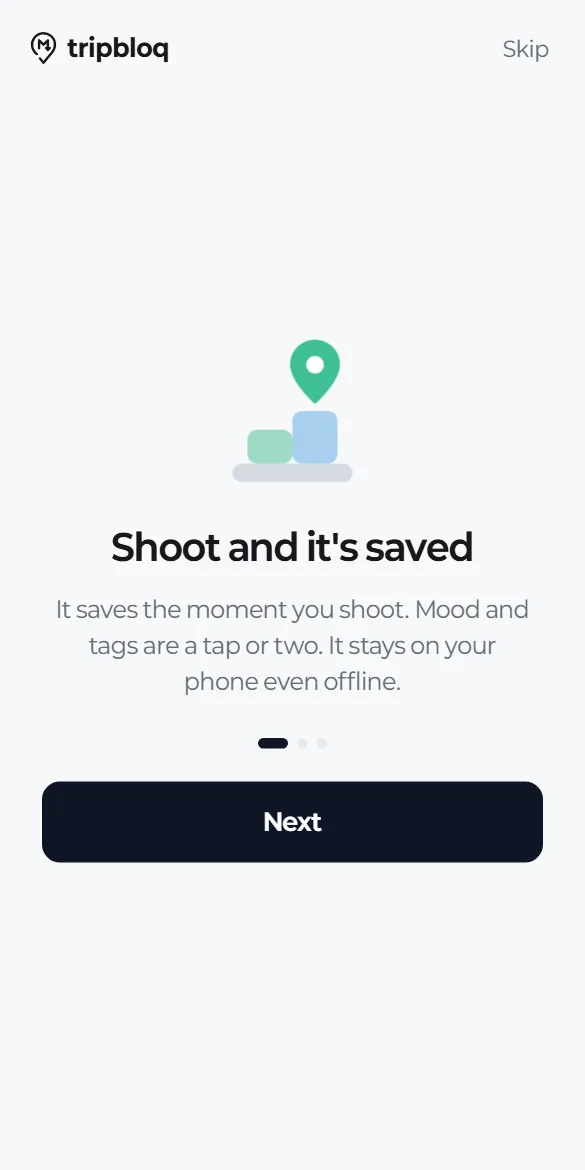
- "Shoot and it's saved": the record is saved the moment you shoot. Mood and tags take a tap or two, and everything stays on your phone even offline.
- "Jot down places to go": add places to each trip, and when you get there, one tap gives your record that name.
- "Sorted by trip in your Drive": connect Drive and your photos and notes pile up as documents in each trip folder. You can connect on the last card or later.
Finding your way around
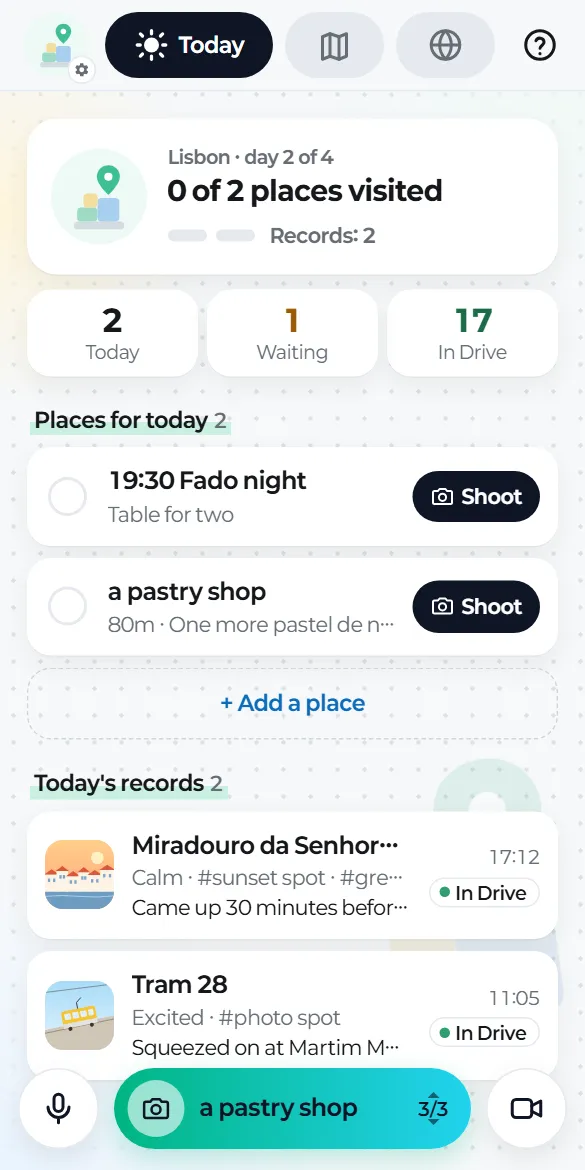
- Tabs at the top: Today, Trips and Map. Only the selected tab widens to show its name.
- The round picture at the top left (with a tiny gear) opens Settings.
- The question mark at the top right explains how to use the app.
- The floating bar at the bottom: photo in the middle, voice on the left, video on the right.
Permissions, only when needed
- Location: only while you're using the app, for place names and map pins. If you say no, records are still saved.
- Microphone: asked the first time you record voice.
- Notifications: for upload progress and "Reconnect Drive".
- Photos: the app only handles what you take with the camera it opens and what you pick from the gallery yourself.
No sign-up
There's no account to create. Records are saved on your phone first, and Google Drive is used only after you connect it (guide 02).