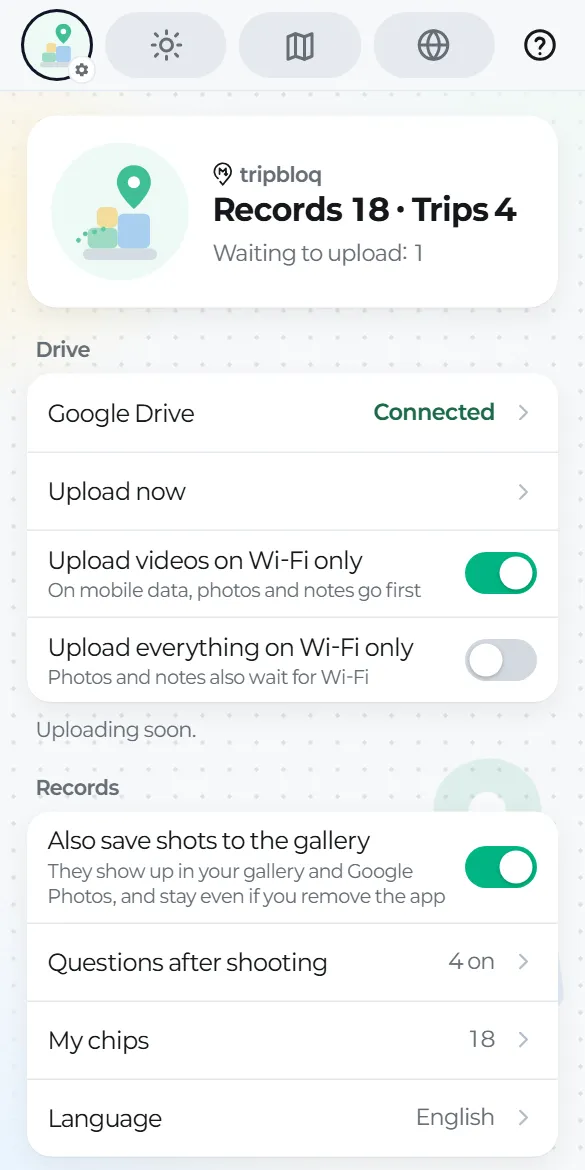
Connect Google Drive
Where to find it
Tap the round picture at the top left, then Drive → Google Drive → Connect Drive. The app also suggests it once, after your first record.
Just one permission
tripbloq only asks for Google's "files this app created" permission. It can't see anything else in your Drive and only works inside its own tripbloq folder.
Once you're connected
- Saved records upload by themselves whenever you're online, even after you close the app.
- A tripbloq folder appears in your Drive, with one folder and one document per trip (guide 10).
- Big videos go up in pieces, so an interrupted upload resumes where it stopped.
Disconnecting
Settings → Google Drive → Disconnect. Records on your phone and files in Drive stay as they are.