When records don't reach Drive
First, see why
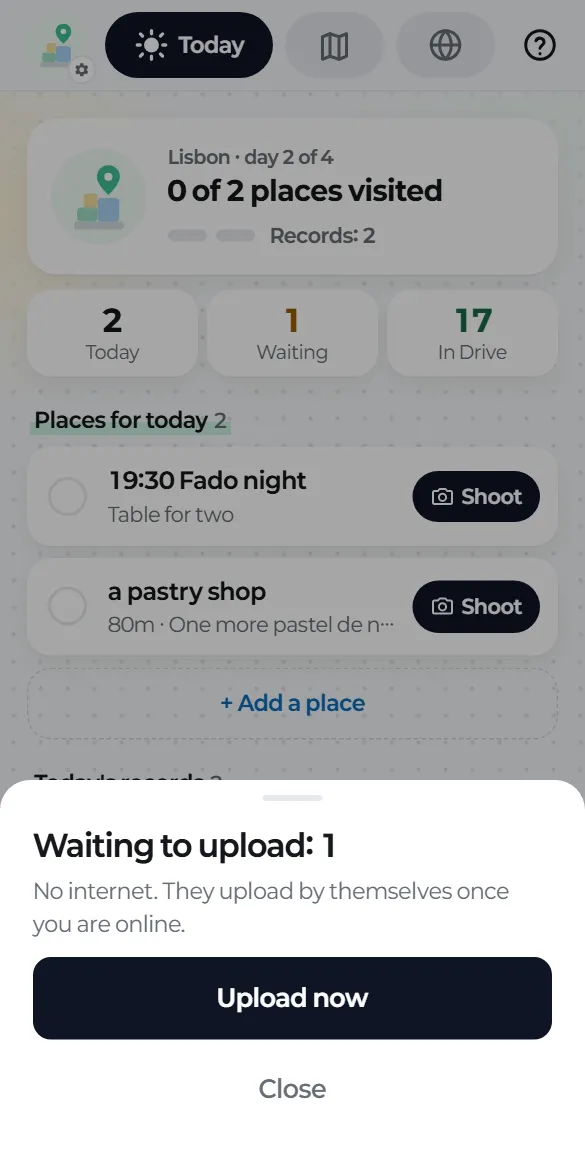
On Today, tap the "Waiting" box ("On phone" before you've connected Drive) to see how many records are waiting and why.
What to do for each reason
- Drive isn't connected: tap Connect Drive.
- Drive was disconnected: tap Reconnect Drive. You'll also get a notification.
- Drive is full: free up space in Drive, then tap Upload now.
- No internet: uploads start once you're back online.
- Waiting for Wi-Fi: connect to Wi-Fi or change the setting (guide 12).
Still stuck?
Your records are safe on your phone. Try Settings → Upload now, and if it keeps failing, write to hello@tripbloq.com and tell us which reason you saw.