Mood, tags and a few words
The small card after each shot
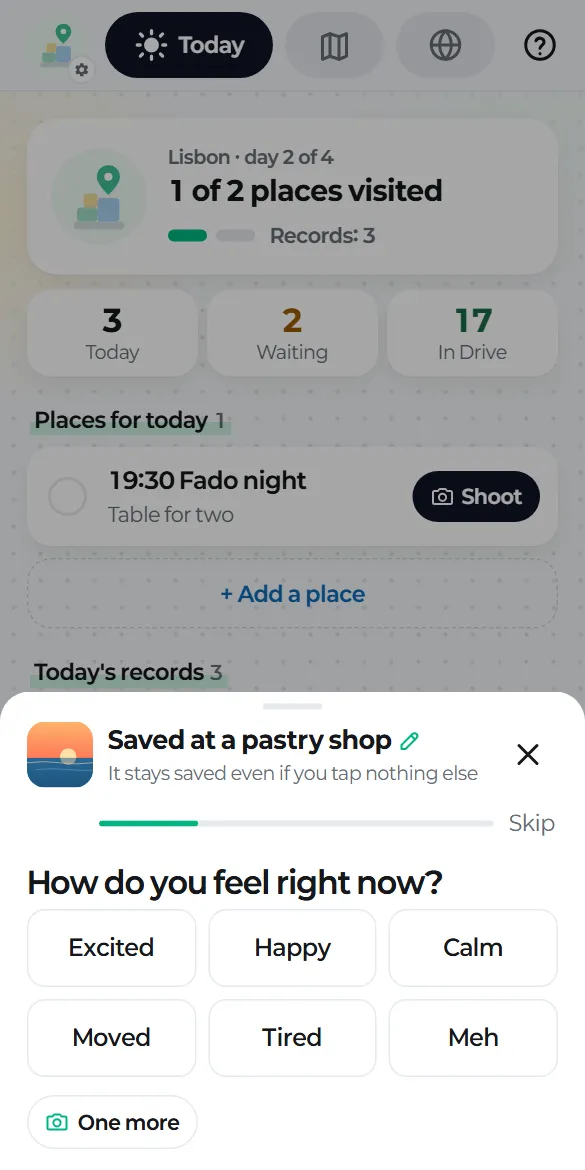
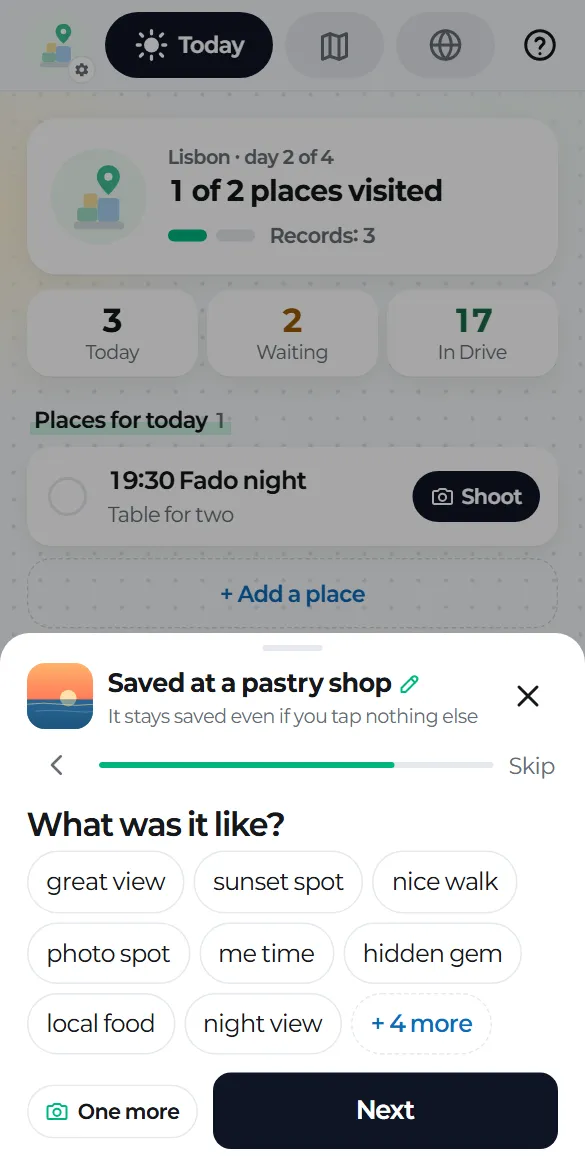
After you shoot, a small card slides up with "Saved at …" at the top. Even if you don't tap anything else, the record is kept.
Four quick questions
- How do you feel right now? One tap and it moves on.
- Would you come back? "Once is enough", "Maybe" or "Definitely".
- What was it like? Pick as many tags as you like. The ones you use most come first.
- Leave a few words? "Say it" or "Type it".
Every question can be skipped, and you can close the card or swipe it down at any time. Your answers are saved as you tap.
One more
"One more" at the bottom left adds another photo to the same record.
Turning questions off and editing chips
- Settings → Questions after shooting: turn each of the four on or off. With all of them off, you just see "Saved".
- Settings → My chips: remove moods and tags or add your own. Past records keep the chips they had.
In Drive
Your mood and tags go into the mood and tags fields of the record's MD file, exactly as you saw them on screen.