Edit, move or delete a record
Tap a record to edit it
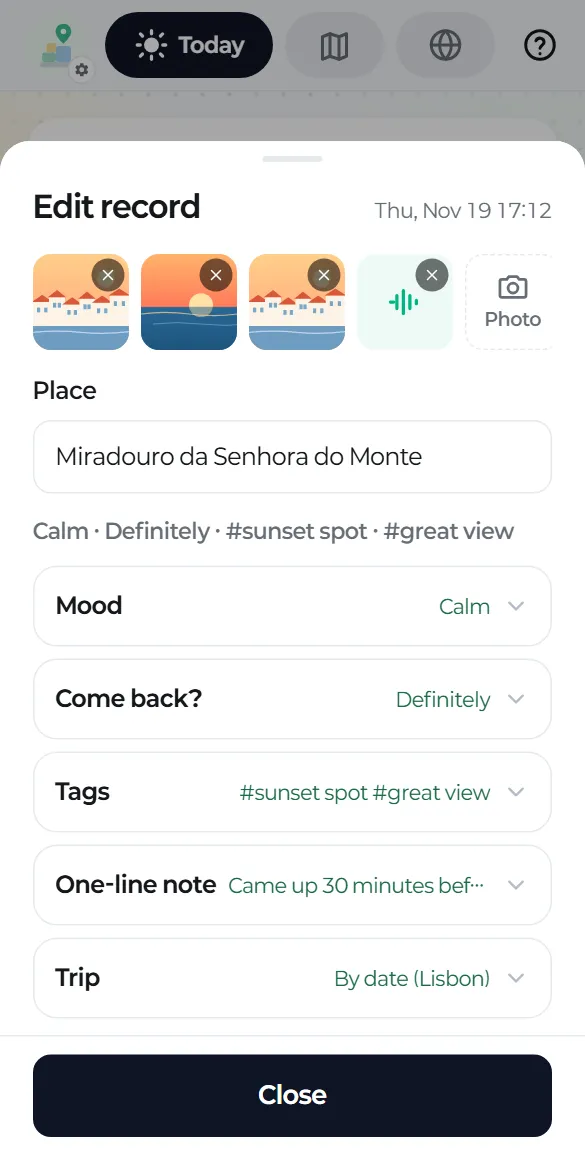
Tap any record on Today or in a trip to open the edit screen: photos and the place name at the top, and a one-line summary of your answers below.
Changes are saved right away, so there's no save button, just Close.
What you can change
- The place name, note, mood, come-back and tags
- Photos, videos and voice: add more (including from the gallery) or remove them
- Where it belongs: by date, in Daily or in another trip
- Or delete the record
What happens in Drive
- Editing rewrites the record's MD file.
- Renaming the place only renames the folder and the MD file. Nothing is uploaded again.
- Moving a record to another trip moves its folder and updates both trip documents.
- Removed media and deleted record folders go to the Drive trash. Nothing is deleted permanently.