Trips and places to go
Creating a trip
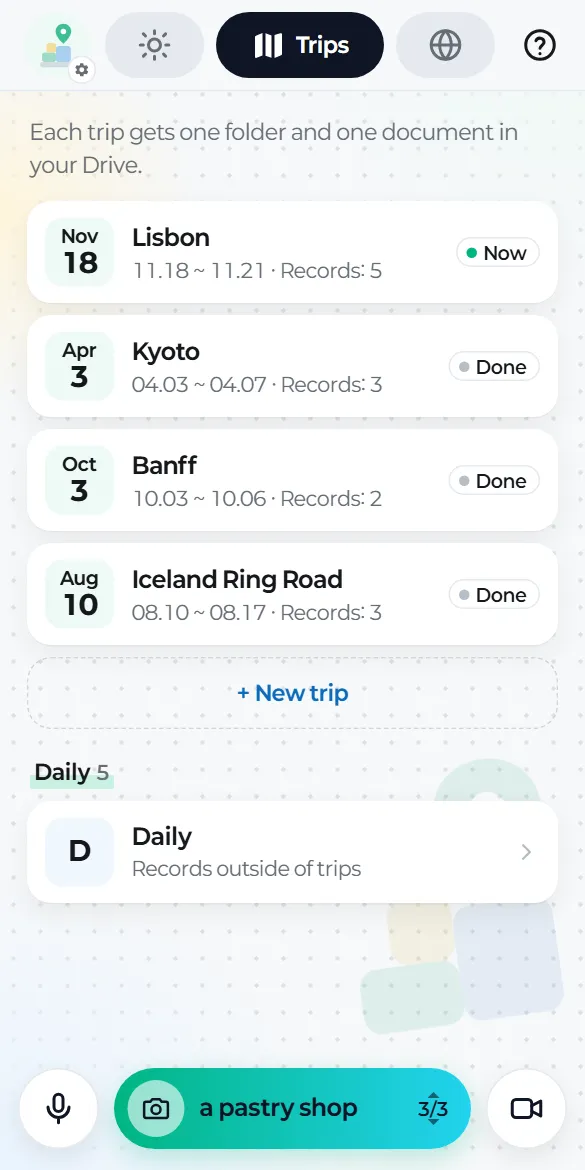
Trips tab → New trip. All it needs is a name, a start date and an end date. Records you make during those dates gather in this trip.
You don't need a trip to use the app. Anything recorded outside a trip goes to Daily, by date.
Jotting down places to go
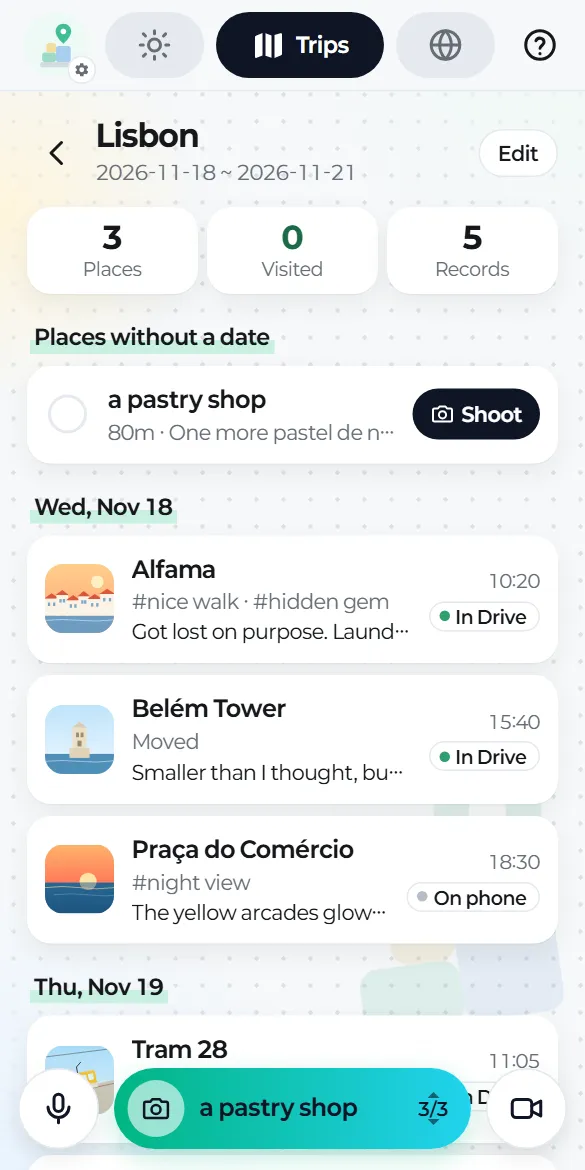
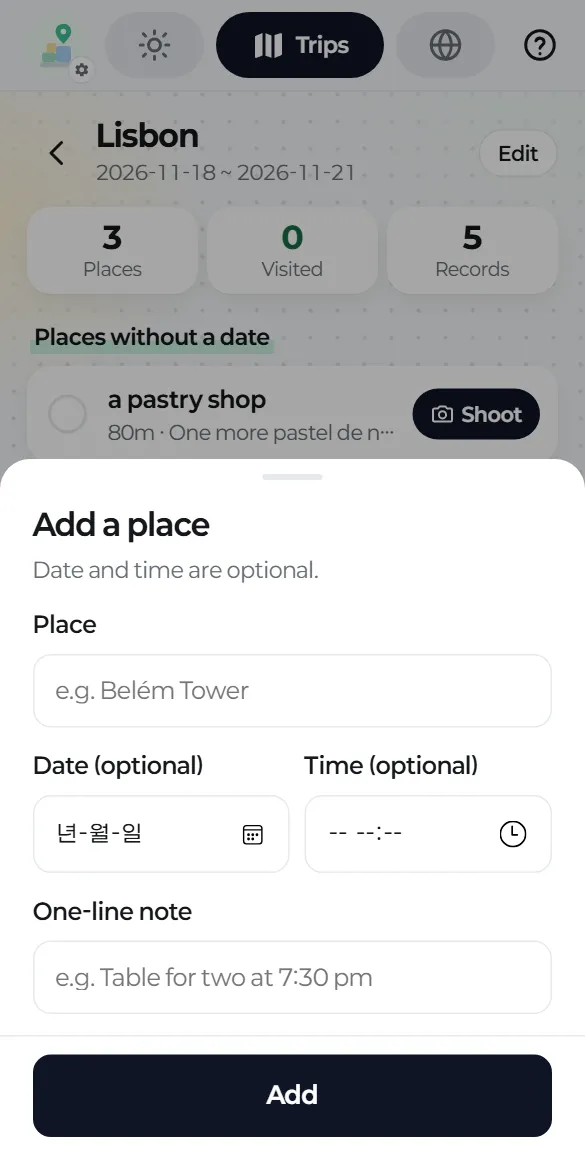
Open a trip and tap Add a place. A name is enough; the date, time and memo are optional. You can reorder places within a day.
Shooting right there
Under "Places for today", tap Shoot next to a place and the name is filled in for you. Once you've recorded something, the place is checked off, and its line in the trip document becomes a checked link.
You can also check a place off without recording anything.
Deleting a trip
Its records aren't deleted. They move to wherever their dates fit: another trip, or Daily.